THE ULTIMATE
IGI 1 3D EDITOR.
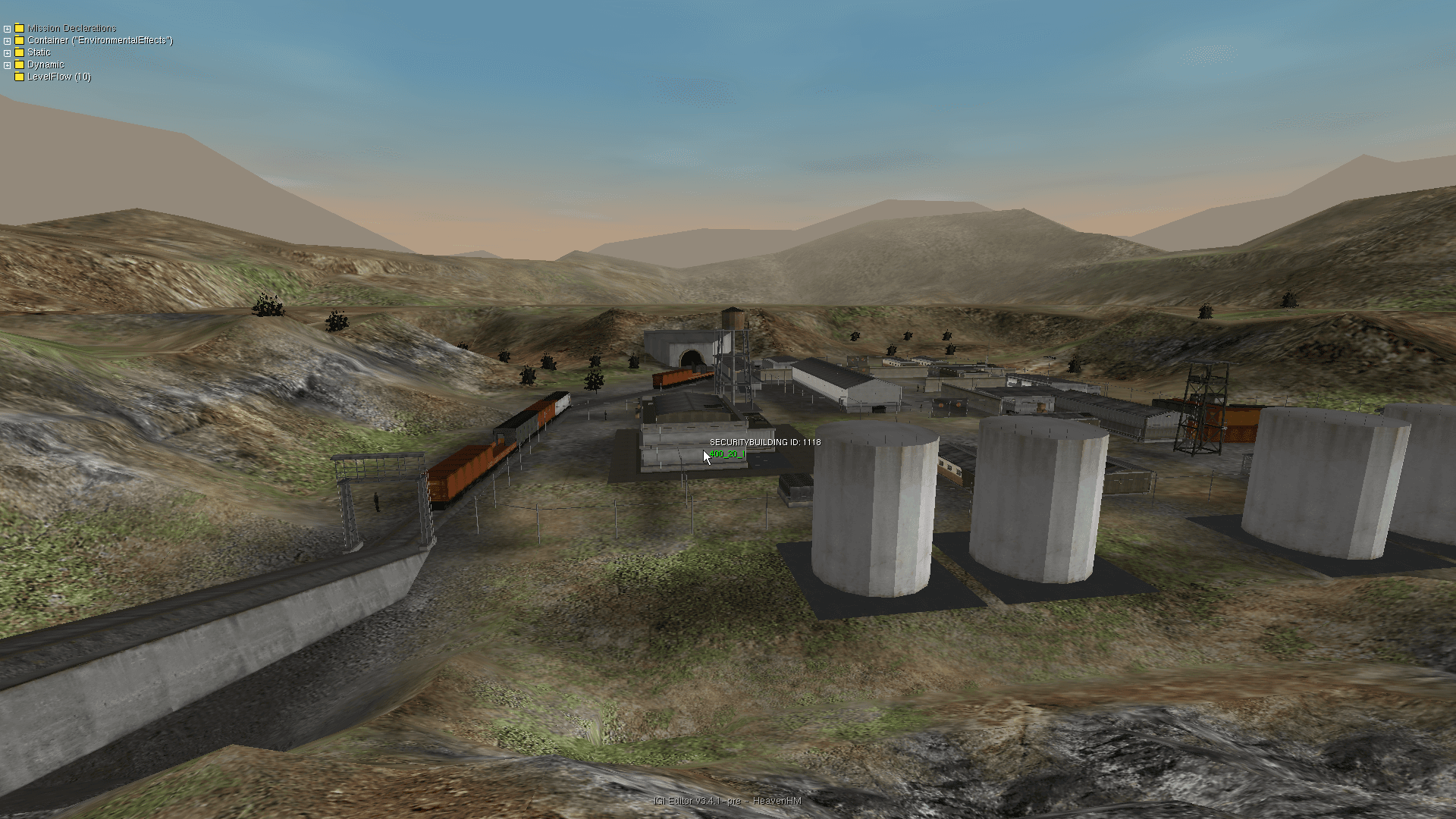
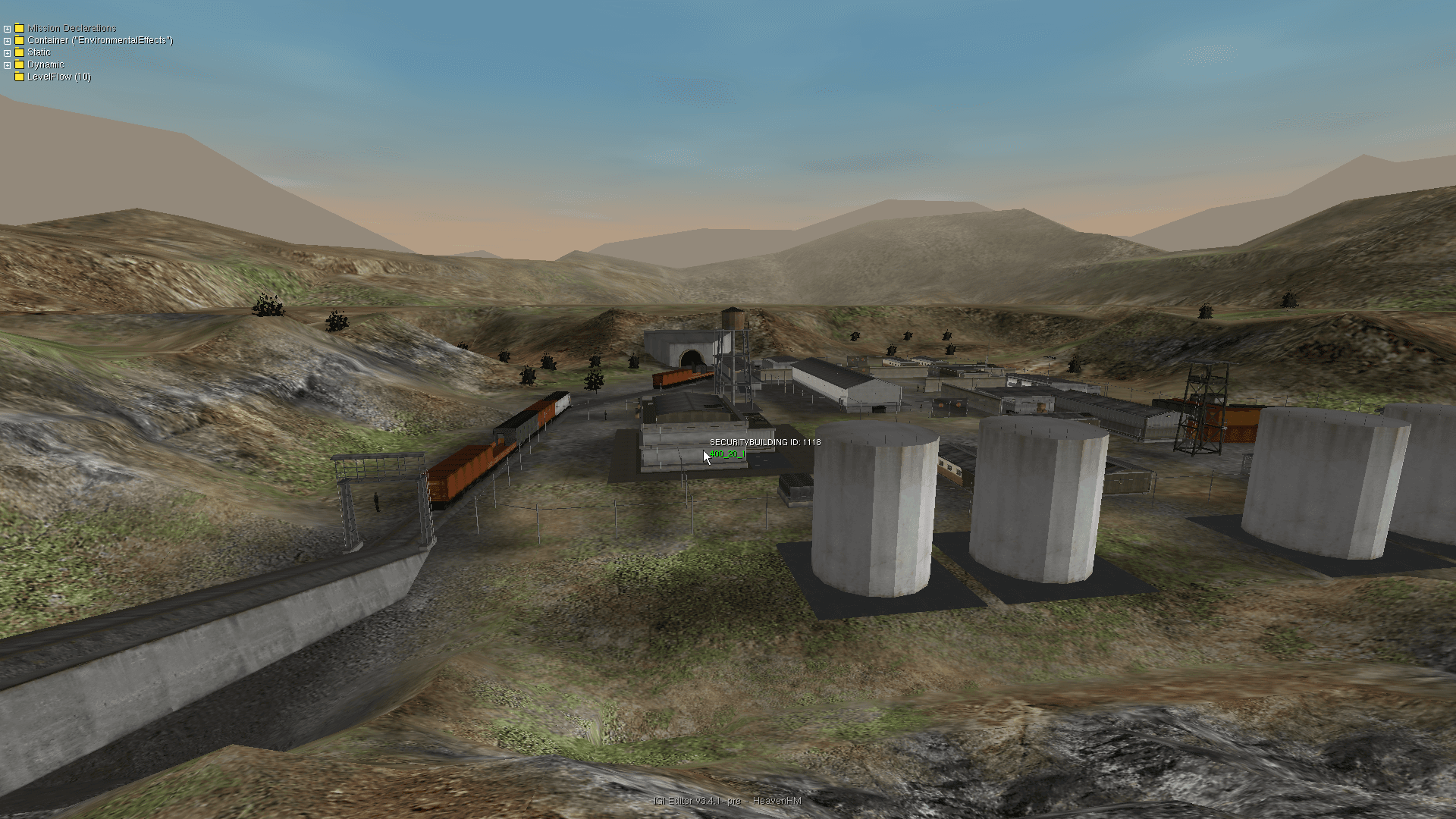
Unleash the full potential of your modding capabilities with real-time 3D terrain sculpting, visual task tree editing, and native high-performance model rendering.
Everything the mission needs
Native support for game file formats — SPR, TEX, MEF, DAT, MTP — zero external tools required.
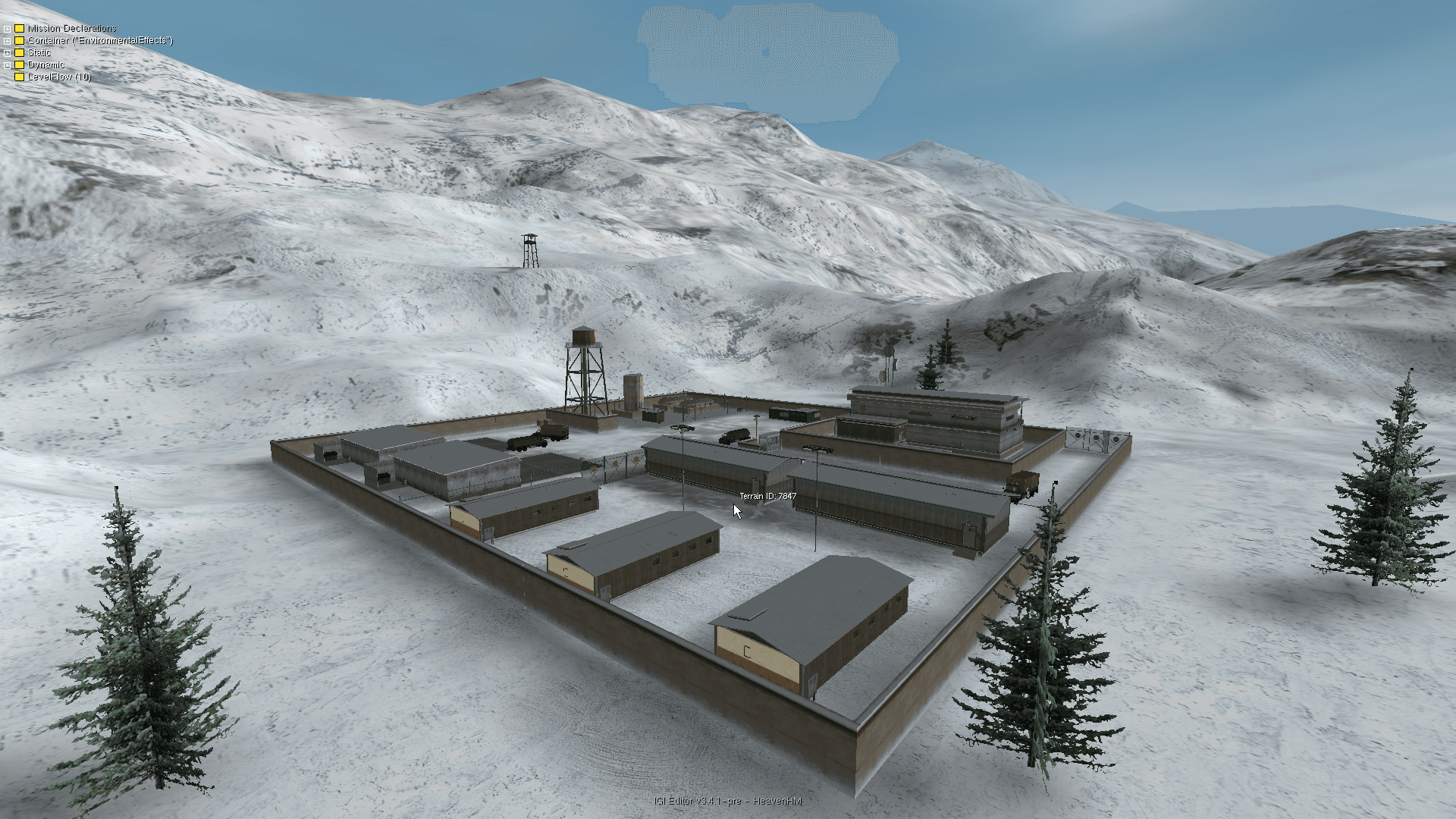
Terrain Rendering & Sculpting
Real-time 3D terrain with active snapping, grid drawing, and heightmap editing brushes.
Flight Camera & Navigation
Full 6-DOF fly camera with fine-grained speed controls and instant teleportation.
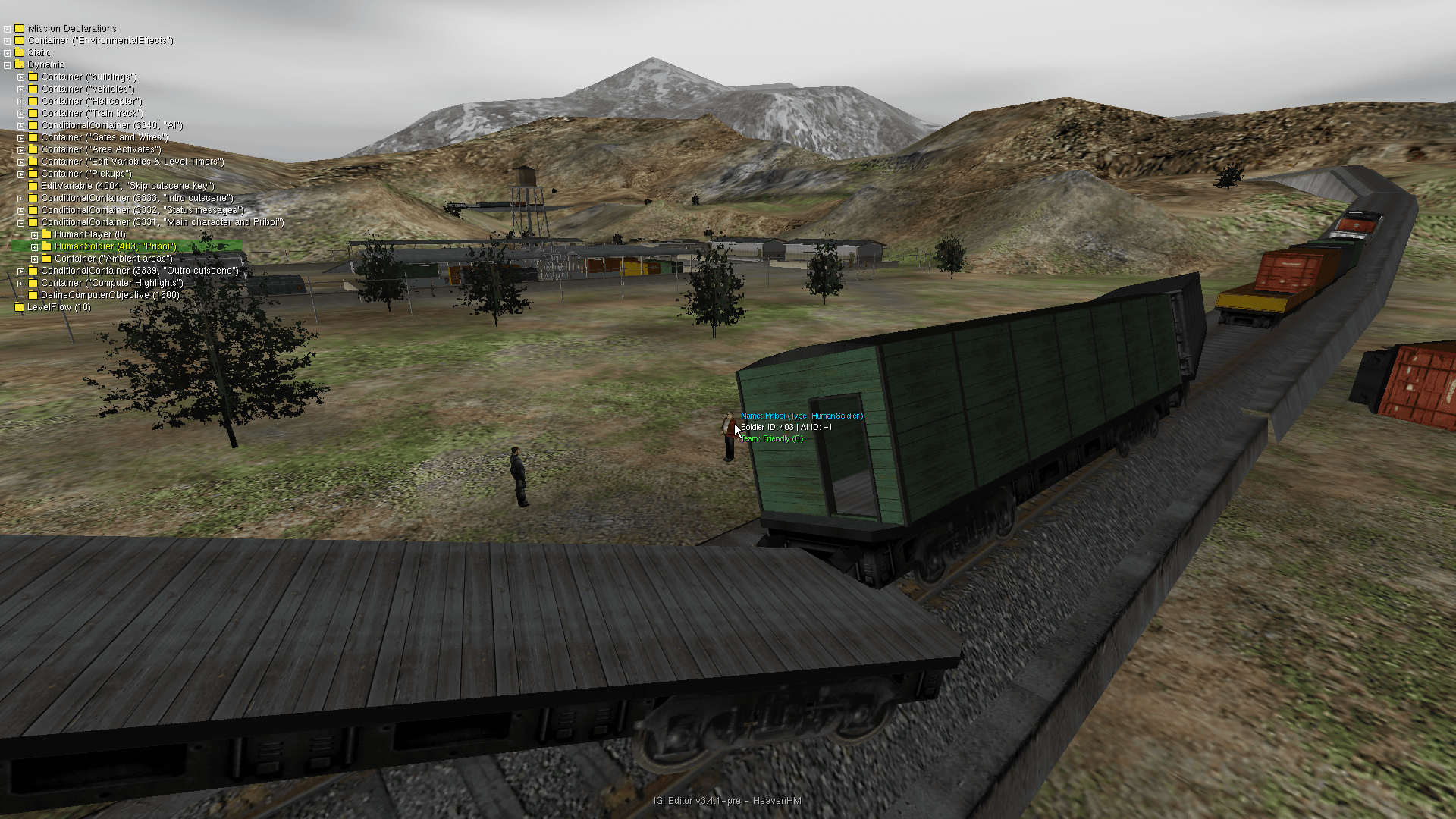
Visual Task Tree Editor
Tree-view workspace for mission objectives — insert, duplicate, copy/paste, delete, full undo/redo.
Splines & Waypoints
Complete spline system for procedural railway paths, mesh repeats, curved segment configuration.
Inline AI Script Editor
A mini QSC editor with decompiled script preview, autocomplete, and automatic .qvm recompile on save.
Live Engine Sync
Direct communication between editor and engine for instant visual and physical feedback.
6-DOF Object Placement
Advanced controls for placing buildings, props, terminals, doors, cameras, actors.
IGI 2 Style Controls
Familiar mouse-drag modifiers — Shift, Ctrl, A, B, G — for translation and rotation.
Foreign Model Import
Load and inject models from other levels directly into the active level workspace.
Inside the operation
Every asset rendered natively in-engine — no external viewers, no placeholder geometry.
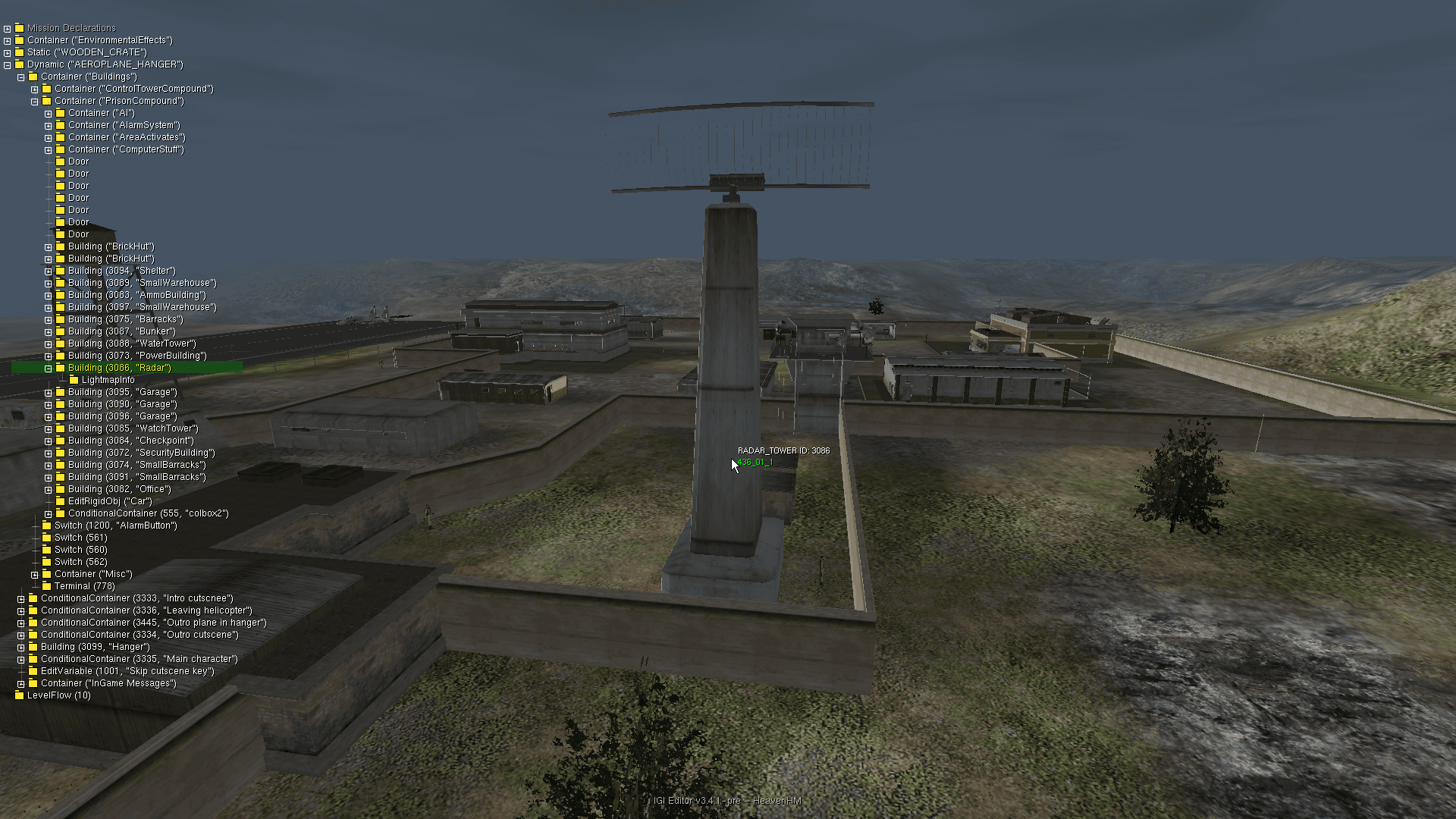
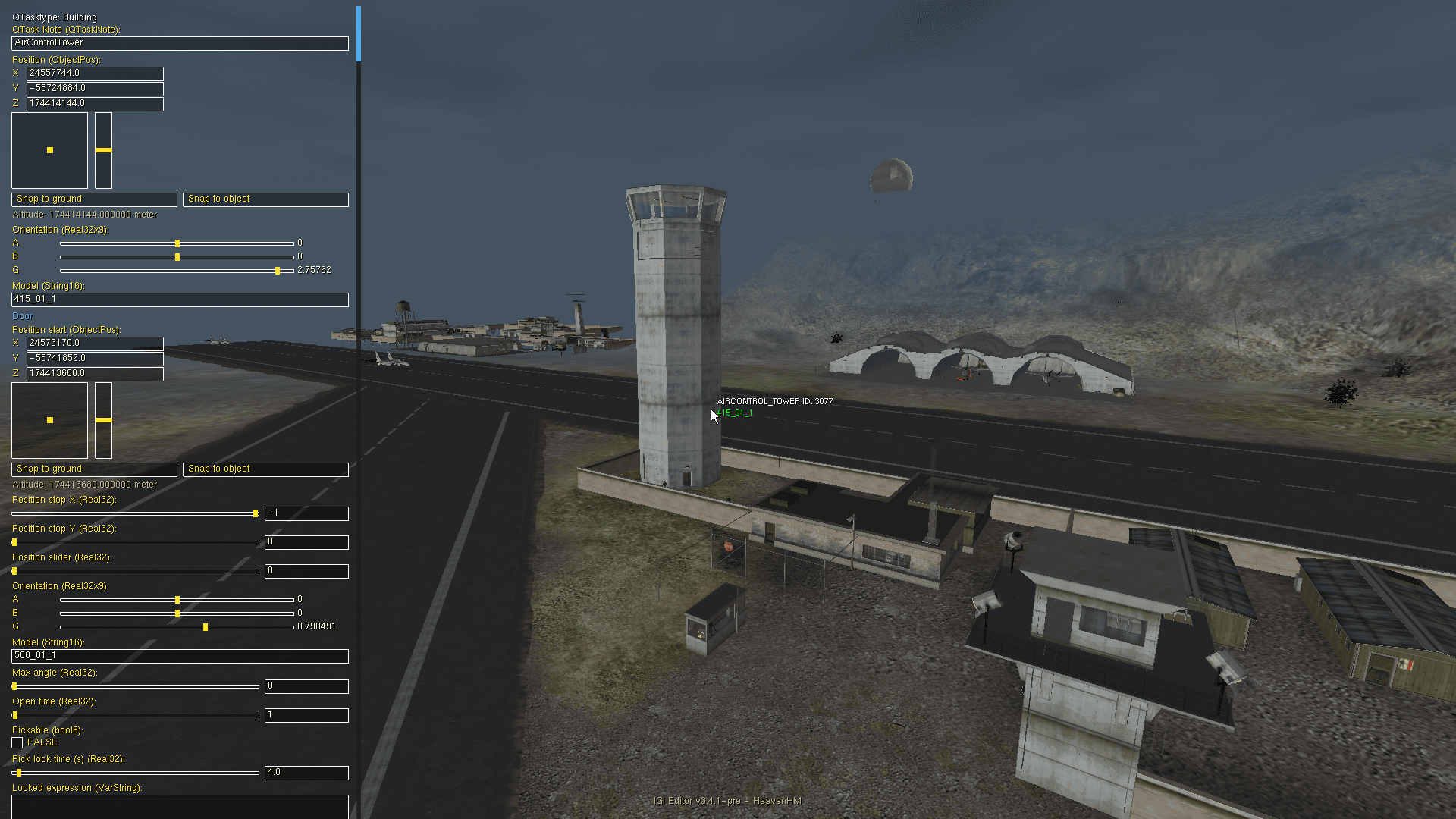
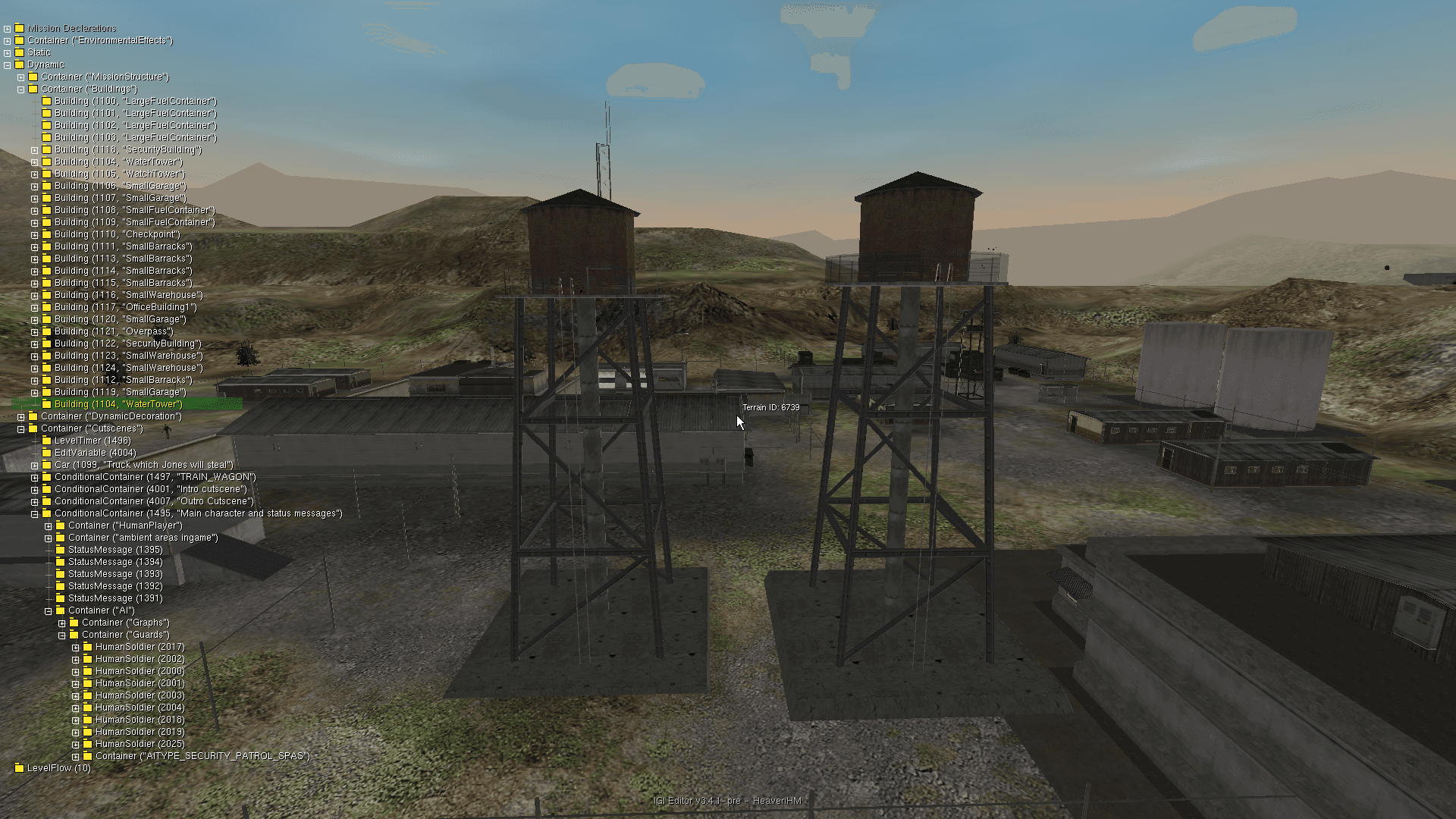
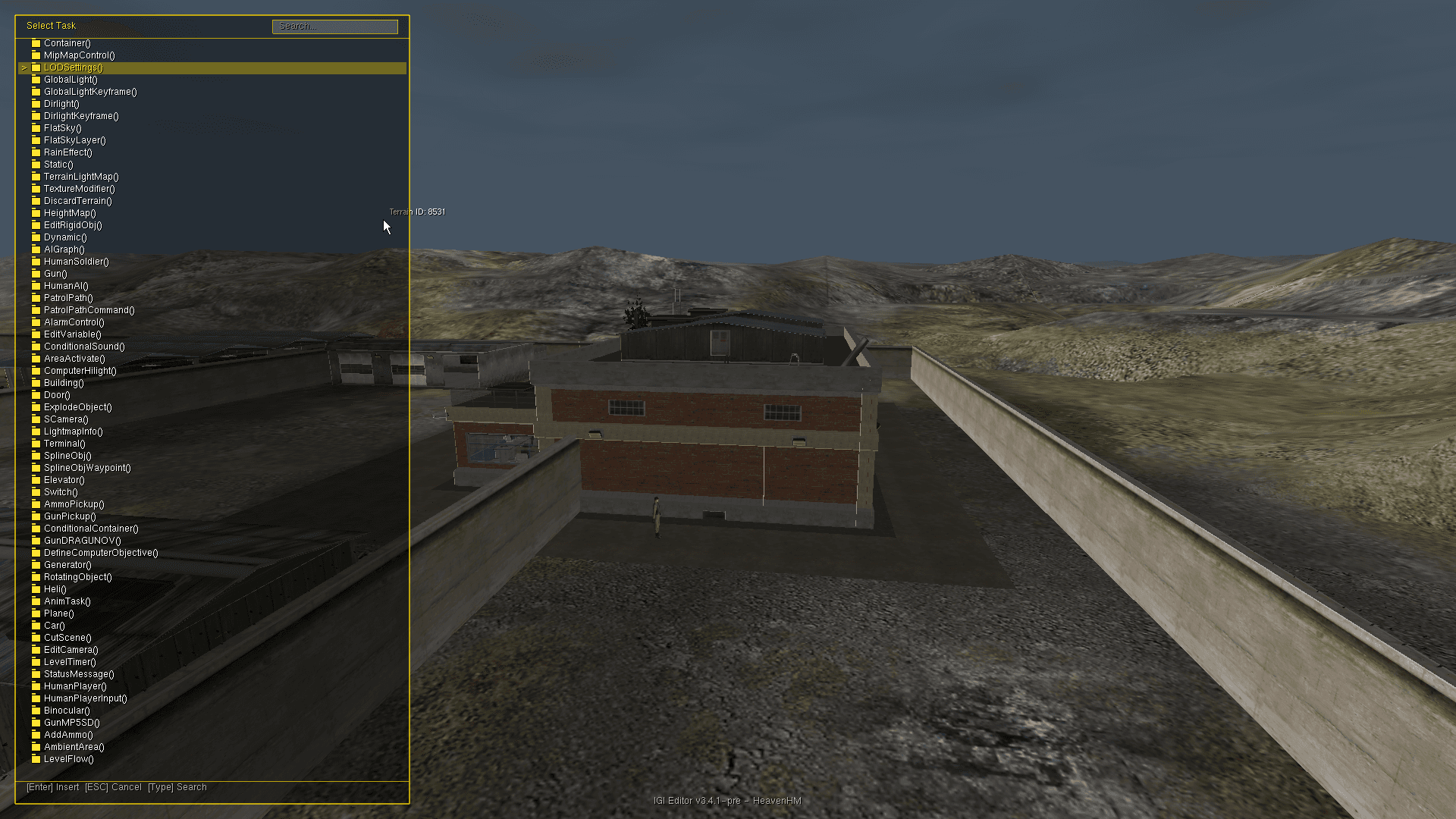
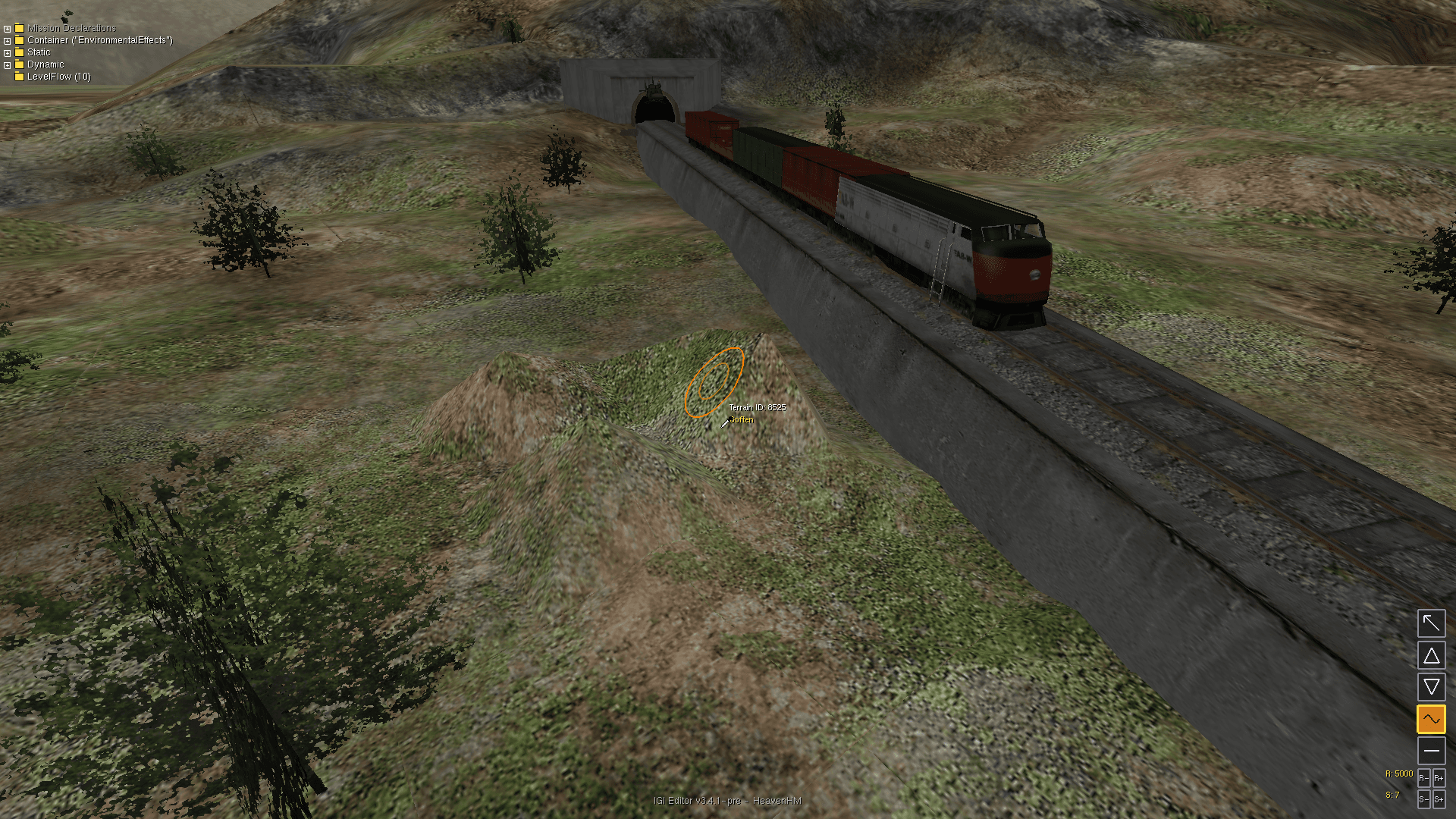
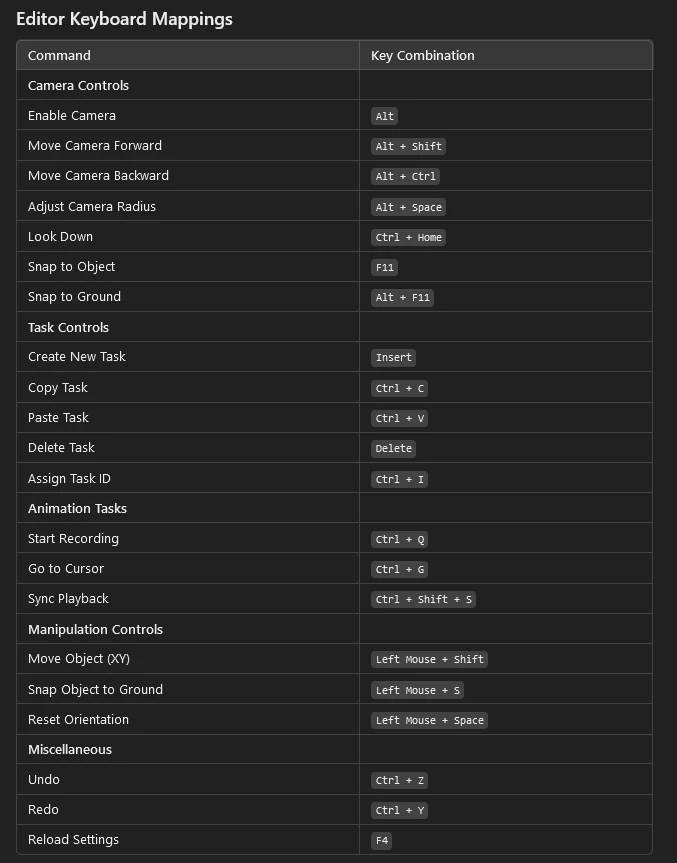
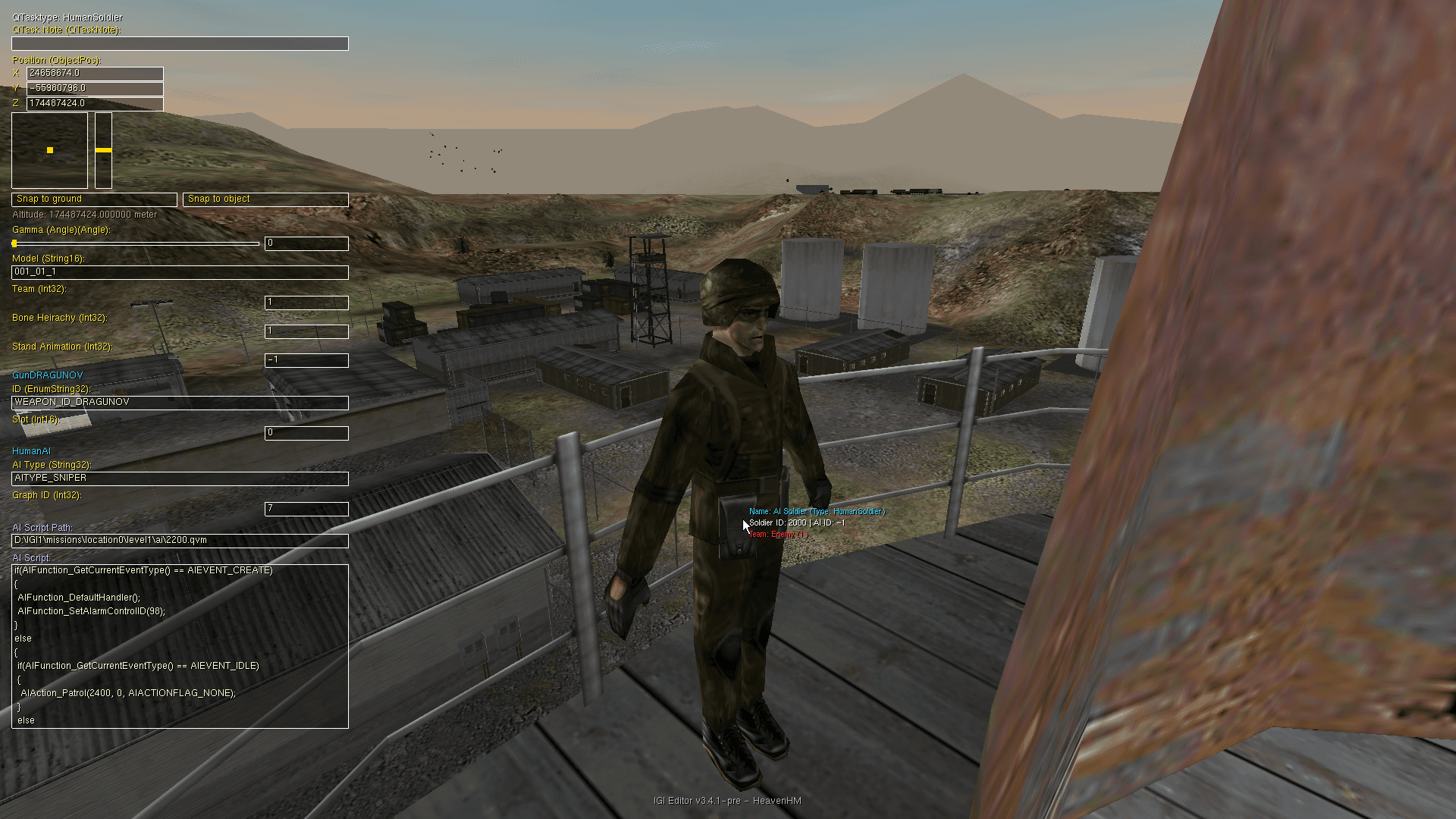
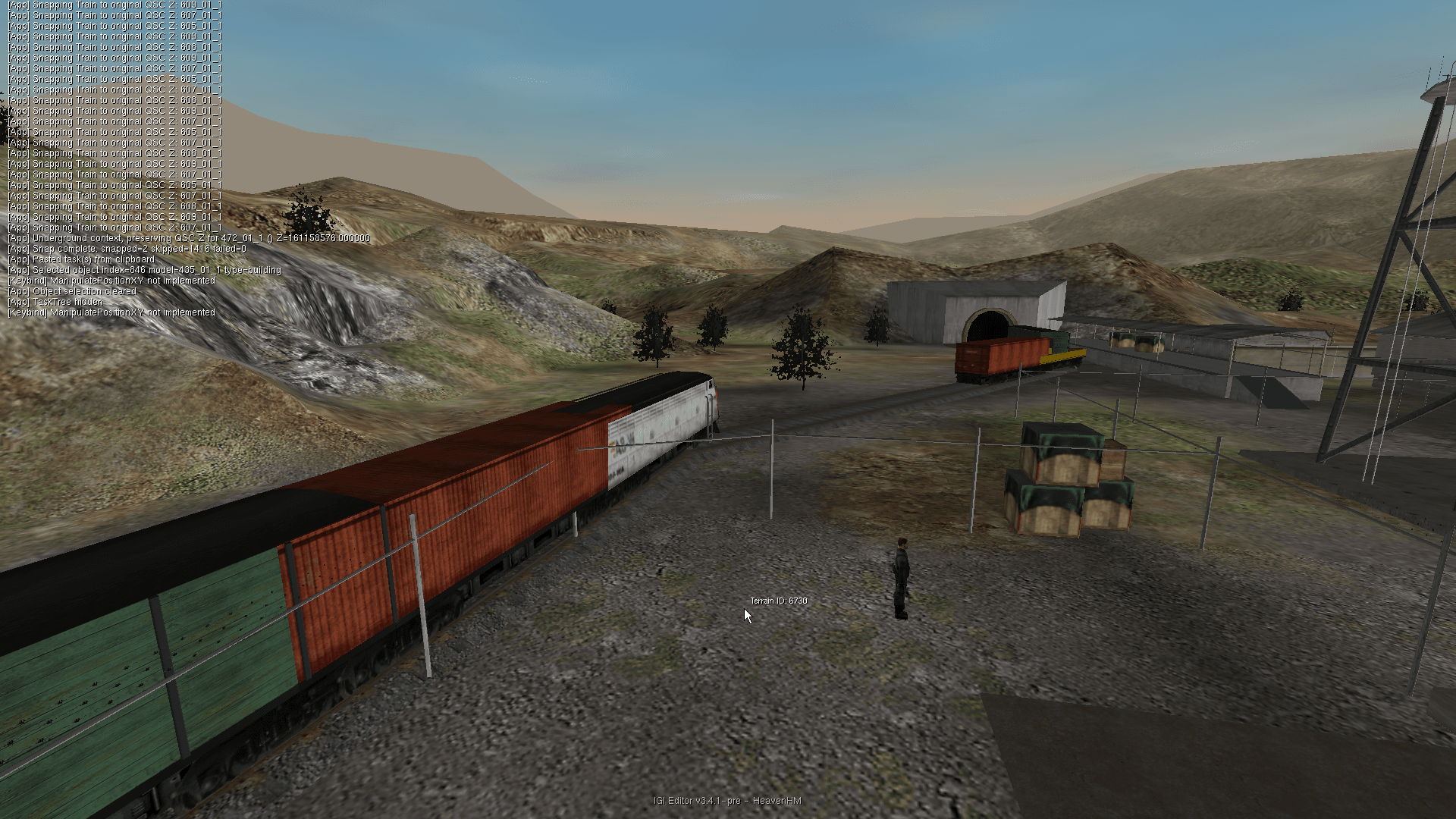
Live capture, playing now
Direct footage from the editor — terrain sculpting, task tree edits, and AI placement in real time.
Get the editor running
IGI Editor Changelogs
This version adds a standalone asset conversion utility 📦
New UI additions feature an editor launch error dialog and a quick level spinner for faster testing. 🔄
Major technical bug fixes resolve serious data loss during file round-trips, weapon orientation, and parser crashes. 💥
- OSWindows (x86)
- CompilerMSVC — Visual Studio 2022
- Build SystemCMake
- GameProject I.G.I 1
GUI editor & headless CLI
Run as a full interactive 3D suite, or as a high-performance headless command-line asset tool — parsers included for MEF, QSC, QVM, RES, MTP, TEX, terrain, and DAT.
# clone the repository
git clone https://github.com/heaven-hm/project-igi-editor.git
cd project-igi-editor

# configure for 32-bit (Win32)
cmake -B build -G "Visual Studio 17 2022" -A Win32 \
  -DCMAKE_GENERATOR_INSTANCE="C:/Program Files/Microsoft Visual Studio/2022/Community"

# build in release mode
cmake --build build --config Release

# Copy to Game folder
cp .\bin\Release\igi1ed.exe D:/IGI1

# deploy to the field
D:/IGI1/igi1ed.exe -level 1 -draw_parts 49 -stick_to_ground
The team behind the build
Report in
Get in touch with the developers, view resources, or report issues. Here is the channel list.
Community Server
Join the official community Discord server to discuss modding, share setups, and get real-time assistance from developers and peers.